Ready from the menu bar
Capture a citation without losing the document, browser tab or thought already in front of you.
A citation library for Mac and iPad
Turn the identifiers already in your research workflow into clean, editable BibTeX. Keep the result in a calm library that follows you between Mac and iPad.
 Designed for macOS 14+ and iPadOS 17+

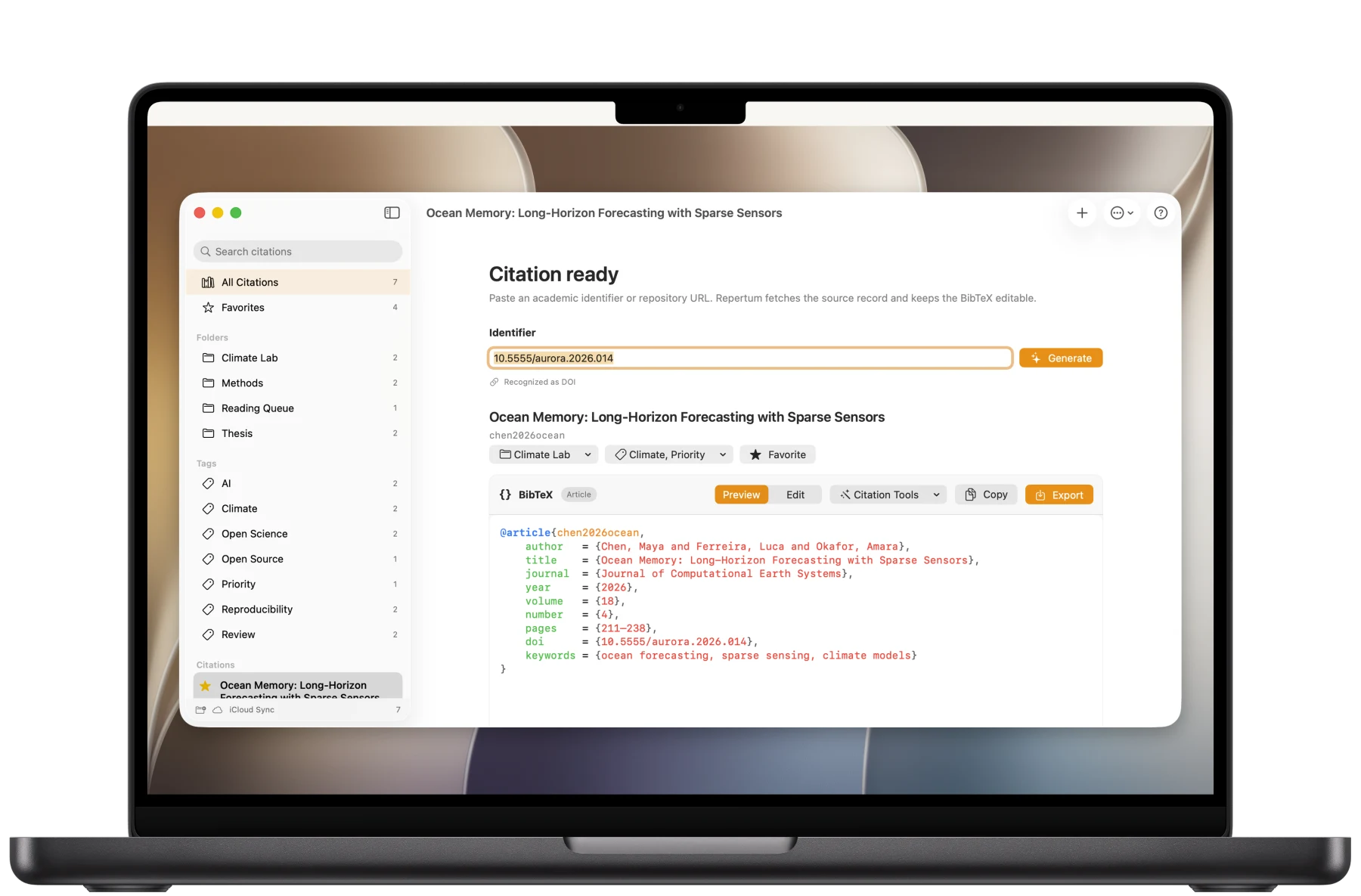
Paste what you already have.
Your research, in order
Folders, tags and favourites turn loose identifiers into a library you can actually return to. On iPad, drag citations where they belong. iCloud keeps the same structure ready on your Mac.
Focused by design
Repertum complements those workflows with clean, portable citation data.
A proper BibTeX editor
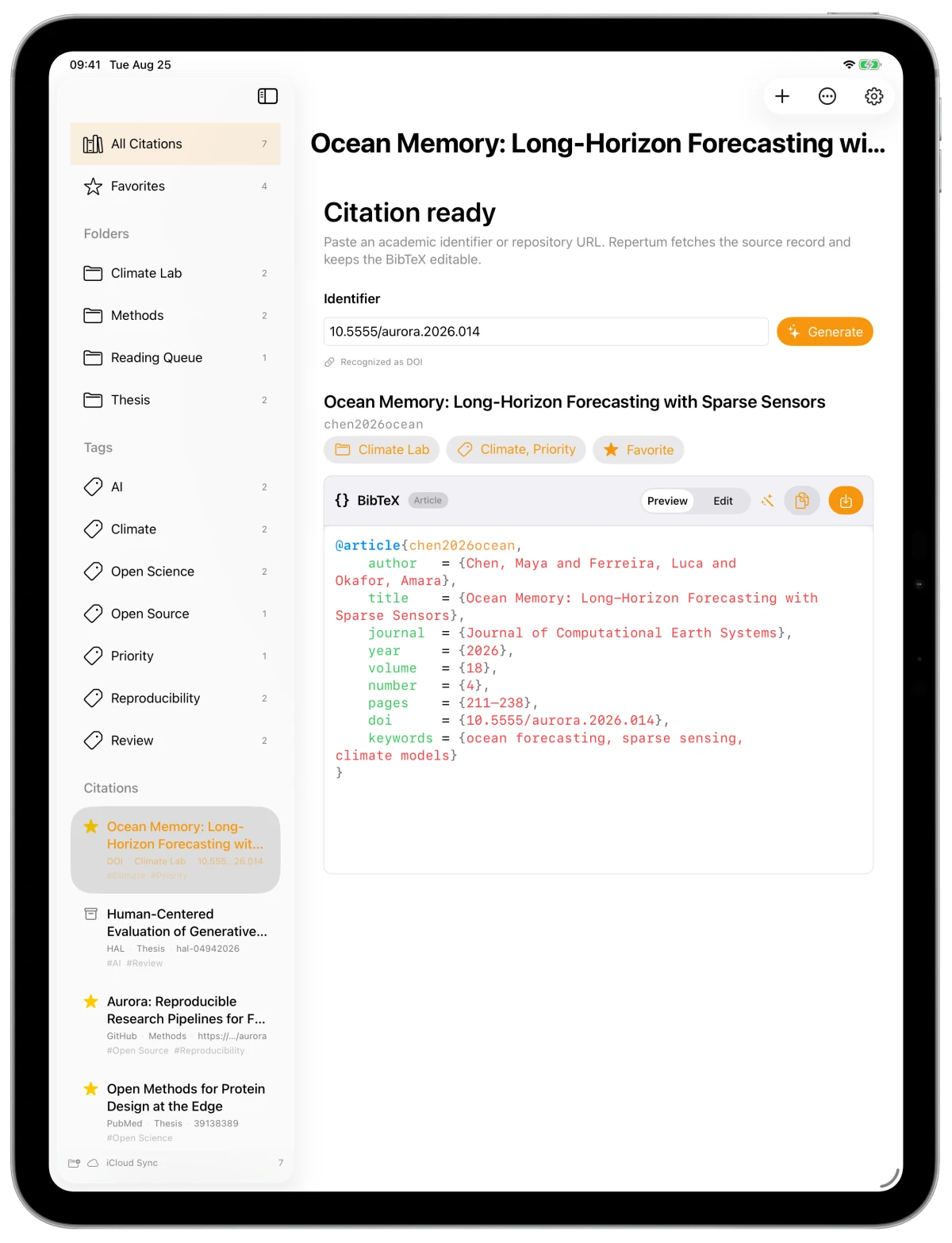
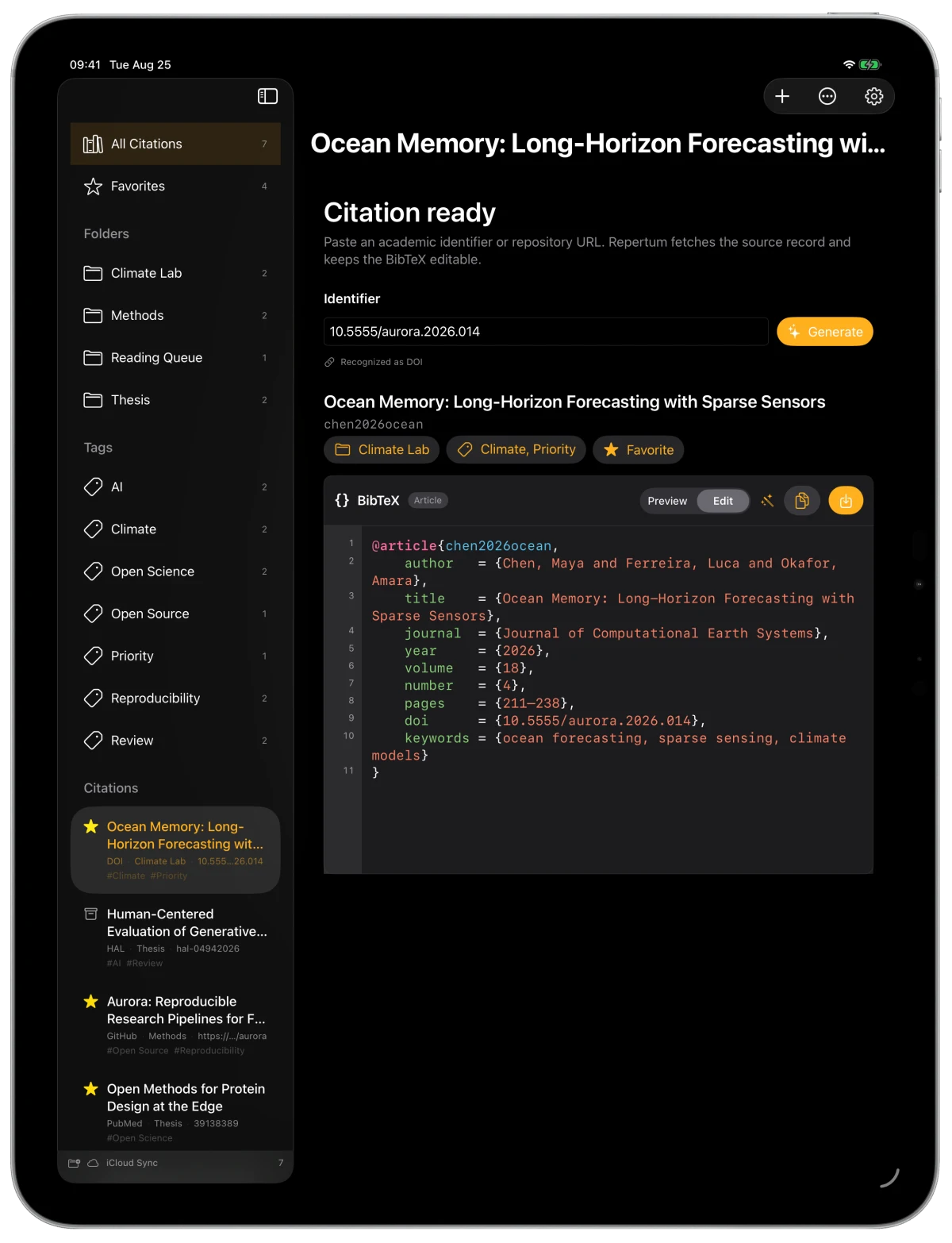
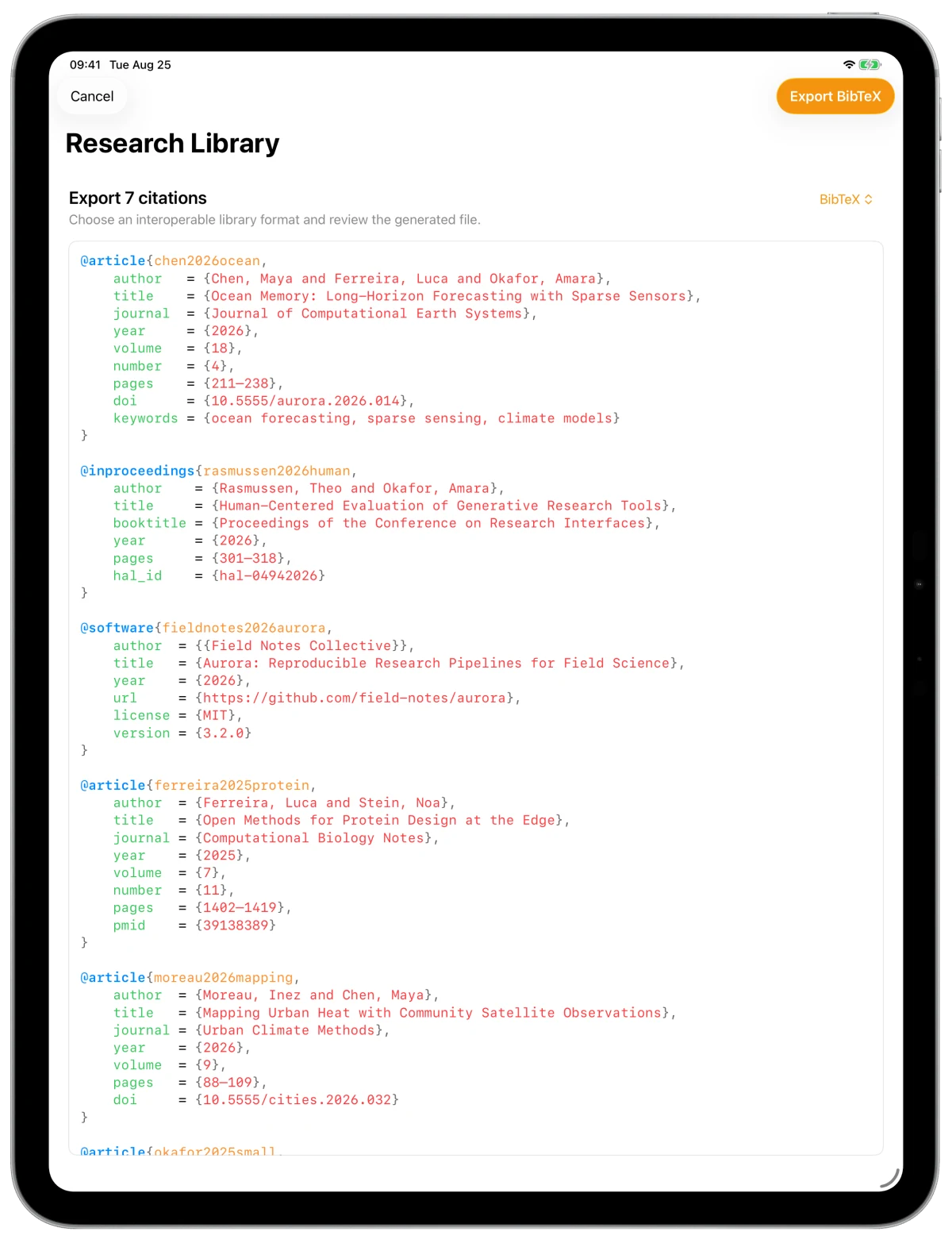
Repertum keeps generated citations editable. Fields align cleanly, long values wrap, and syntax colour makes the structure easy to scan without turning the app into an IDE.
Papers, books—and software
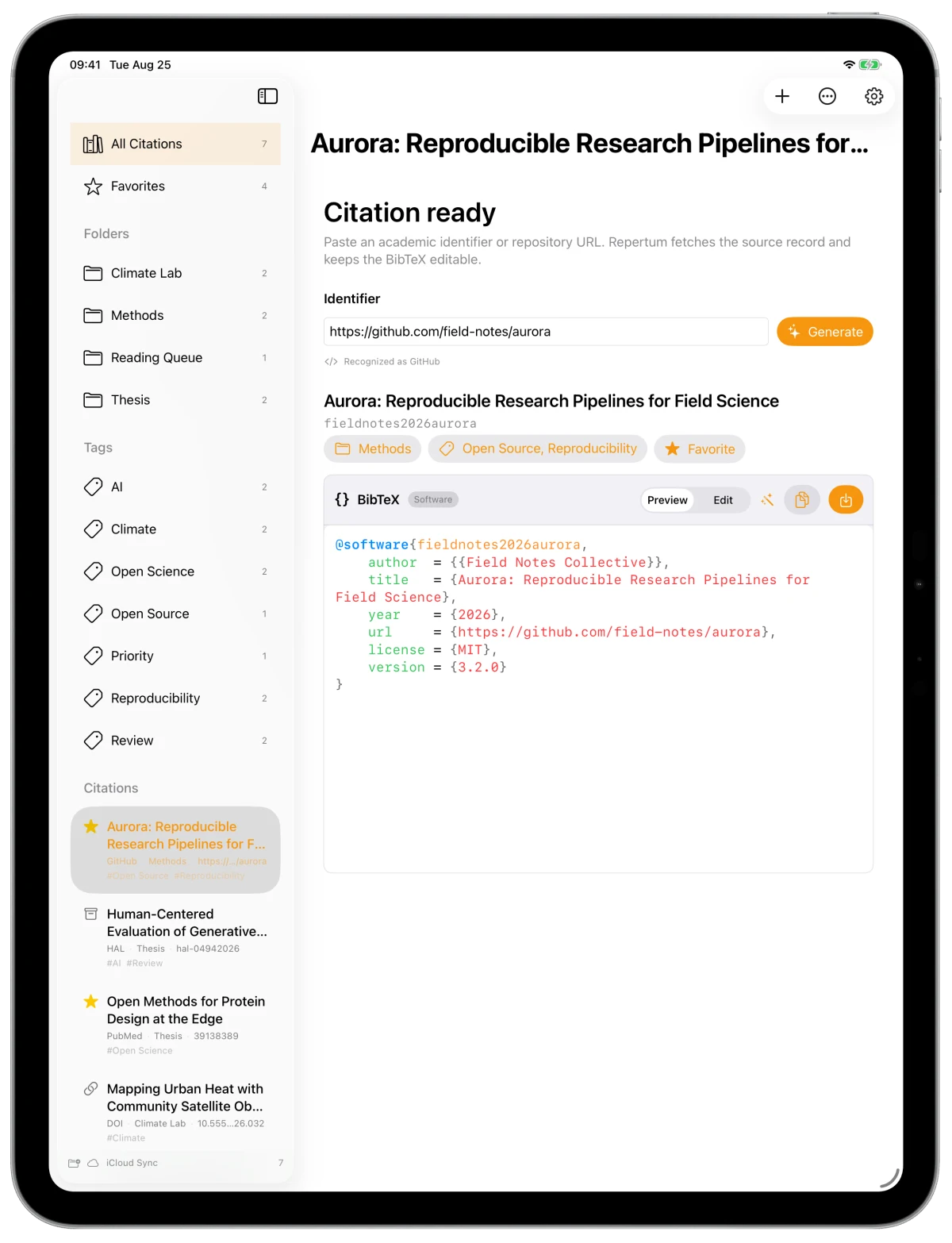
Bring journal articles, theses, proceedings, datasets and software into one place. A GitHub repository can become a software citation, preferring its citation file when the project provides one.
Repertum also understands the wider BibTeX entry family, so the library is not limited to journal articles.
Interoperable by design
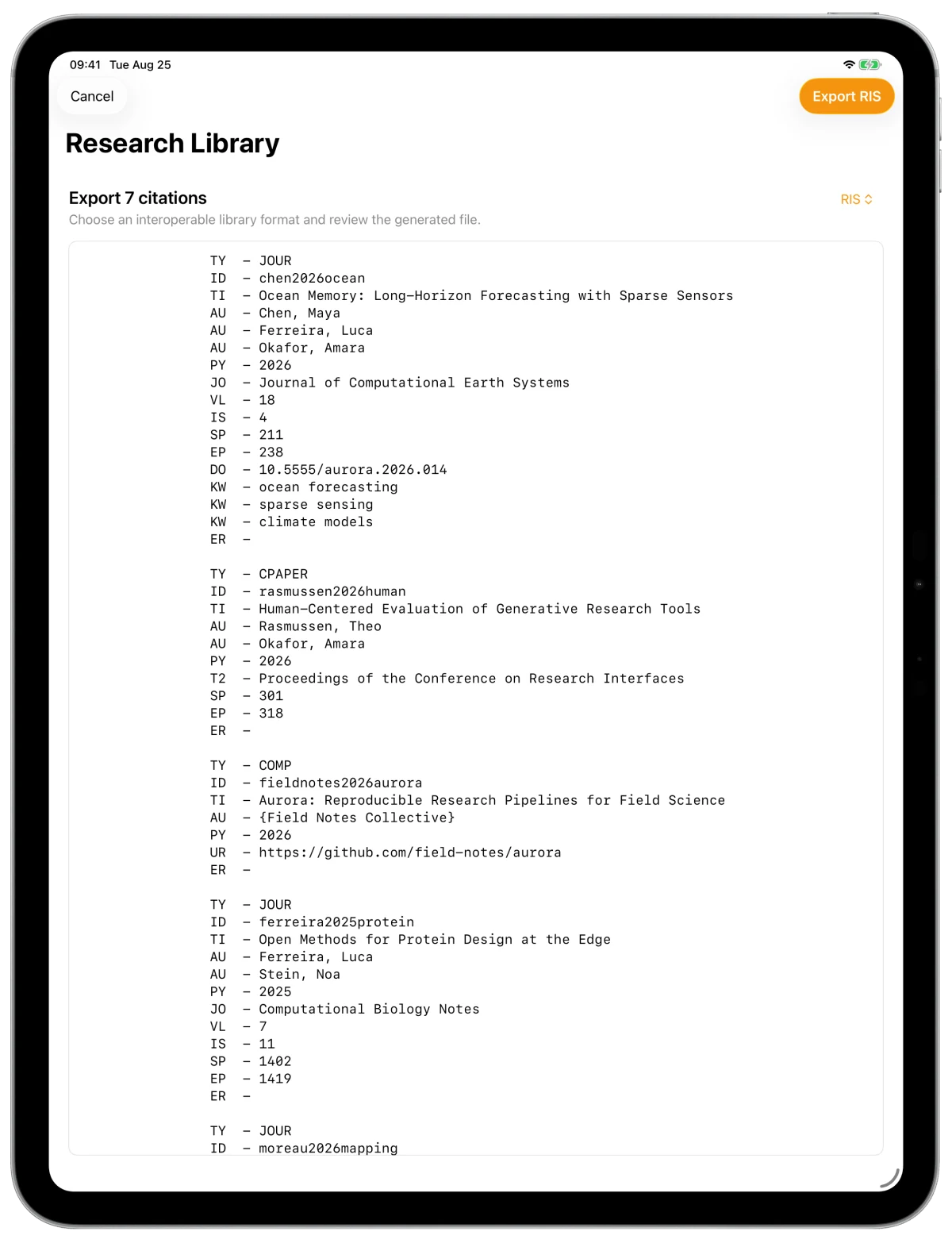
Export a folder or the complete library. Keep BibTeX for LaTeX, or move into another research tool without rebuilding every record.
At home on every screen
Capture a citation without losing the document, browser tab or thought already in front of you.
Move citations between folders with direct manipulation, keyboard and pointer support.
Changes made on Mac and iPad stay part of the same organised research library.
Generate, format and open citations from the workflows you already use.
Built on open source
Repertum is built by the creator of BibTeXKit, the open-source Swift library that powers its BibTeX parsing and formatting.

Repertum for Mac and iPad
From identifier to editable BibTeX, then into the folder, file or format your research needs.